
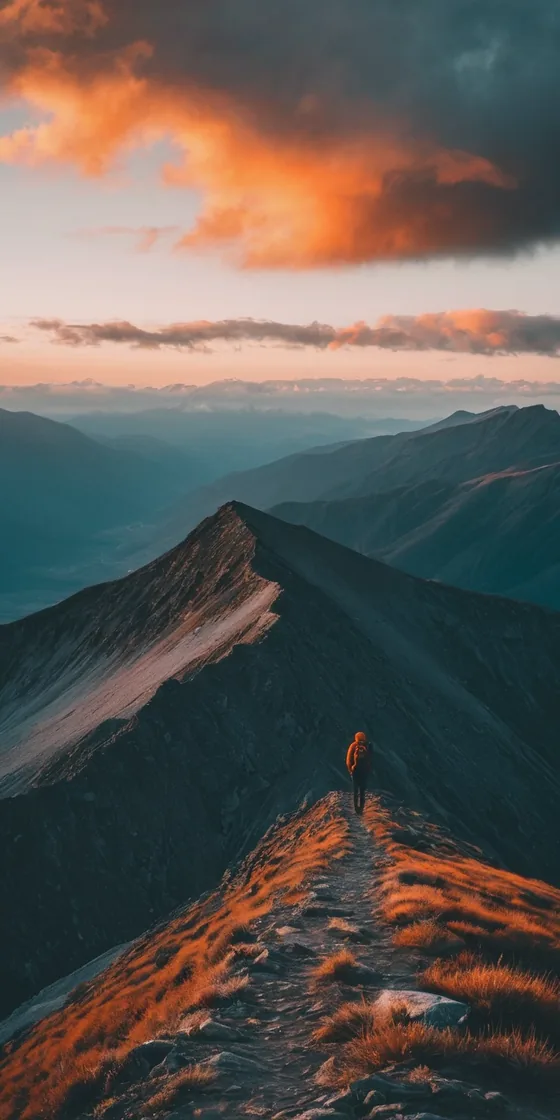

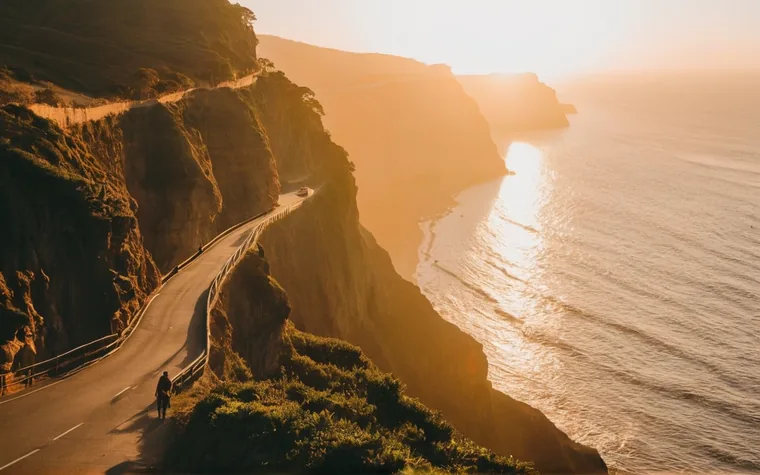
 Golden Hour Travel
Golden Hour Travel
Warm, dreamy golden grade with gentle drifts and soft crossfades.
Create privately · Reach for AI when you choose
Every moment's a Tael.
Make beat-synced reels, generate original music, transform photos, bring a still image to motion, sync multiple cameras, or turn a conversation into useful notes. The core editor stays on your phone; cloud AI runs only when you ask.
Core editor needs no account · Optional AI uses credits · iOS & Android
Core editing stays on your phone. Cloud AI sees only the media you explicitly send.
Every look, photos and video, exports watermark-free by default. No arbitrary limits.
Cuts, zooms and hits land on the music — automatically.
Reels, music, photo transforms, motion, multicam, captions and meeting notes.
High-end workflows run in the cloud. Pay only for the compute you use.
Inside Tael
Start with a camera roll, a single photo, a musical idea, several camera angles, or a conversation. Tael gives each one a purpose-built workflow.
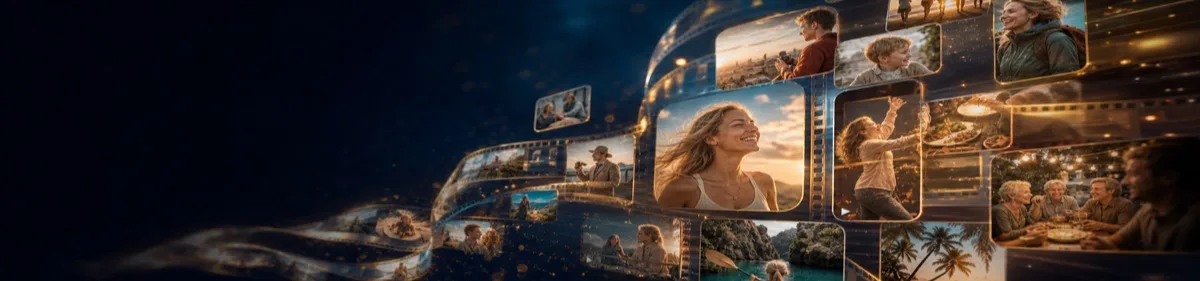 On-device core
Mix photos and clips into a finished short with beat-synced cuts, real film grades, titles, captions and sound.
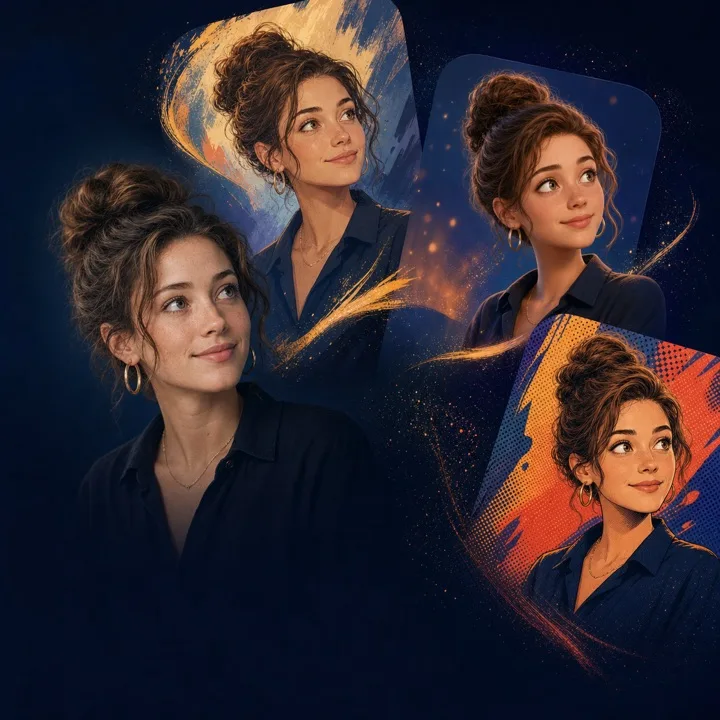 Opt-in AI credits
Repair a photo, change its visual language, or create a character while keeping the source recognizable.
 Opt-in AI · Experimental
Describe a short moment and turn one image into motion with generated sound while preserving its framing.
 Opt-in AI credits
Generate original instrumental music, preview it, save it to your library and use it in any future reel.
 On-device workflow
Bring together several recordings of one event, synchronize them by shared audio and build a cut from the strongest angles.
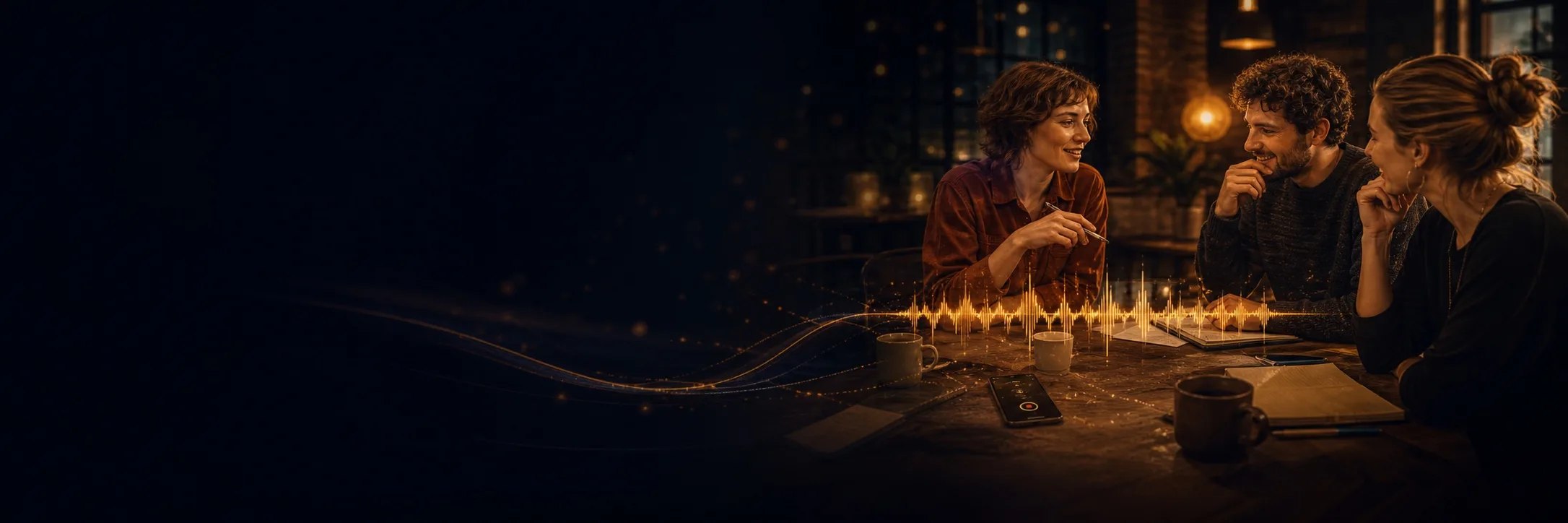 Opt-in AI · App and web
Record or upload a conversation and turn it into speaker-labeled notes, a summary and review-ready follow-ups.
Not just travel
Same engine, any subject — if it's on your camera roll, Tael can make it cinematic. No trip required.

Trips, road trips, that one perfect sunset — the films Tael was born for.
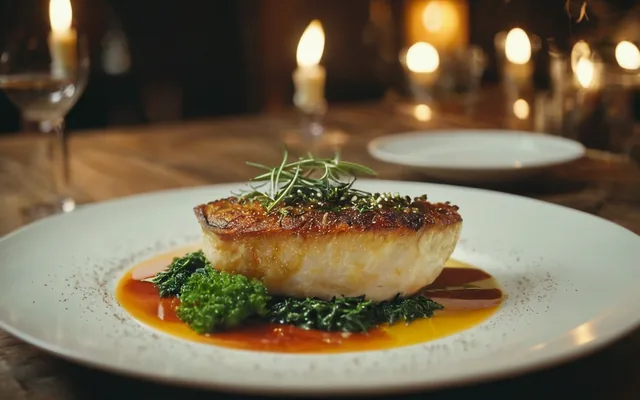
Plating, pours, the first bite — make the meal look as good as it tasted.
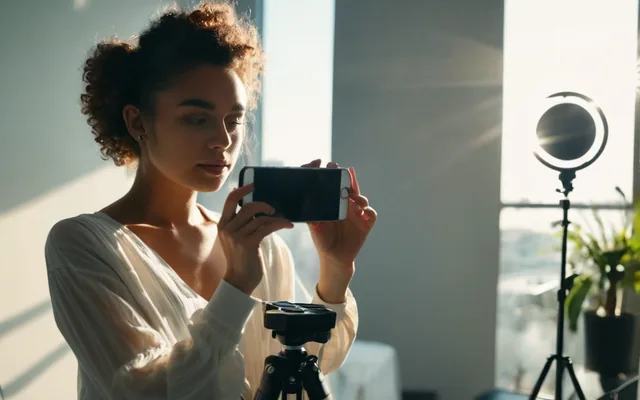
Day-in-the-life, hauls, behind-the-scenes — feed-ready in a tap.
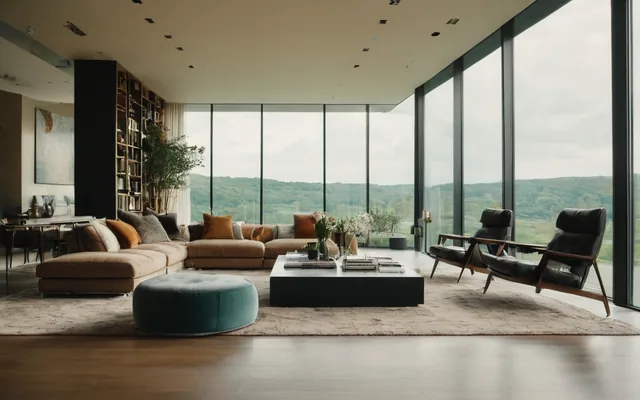
Listings, interiors, the home tour — walk-throughs that sell the space.
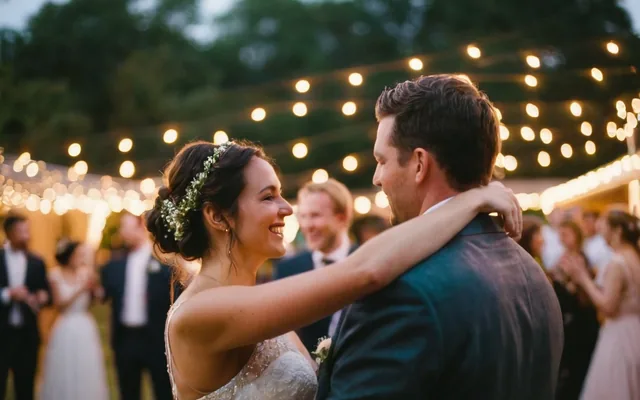
The toast, the first dance, the whole night — relived in thirty seconds.

Pets, workouts, the kids, a good Saturday — the small stuff, made cinematic.
How it works
From camera roll to a graded, beat-synced short — no editing skills required.
Choose any photos and clips straight from your camera roll.
Thirteen cinematic styles, from Golden Hour to Neon Nights.
On-device editing cuts to the beat and applies a film look.
Export a clean cinematic short — no watermark, ready to post.
Cinematic looks
Each look is a complete recipe — grade, motion and pacing — applied on-device.
Golden Hour Travel
Warm, dreamy golden grade with gentle drifts and soft crossfades.
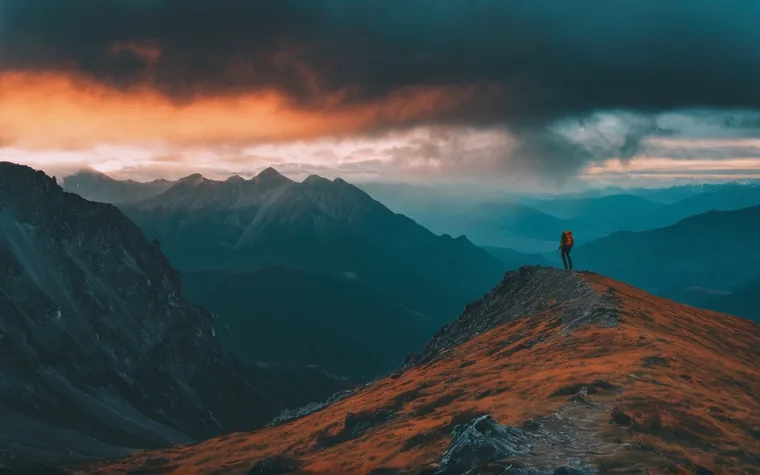 Epic Adventure
Slow cinematic build, teal-orange grade, sweeping motion, cuts on the bar.
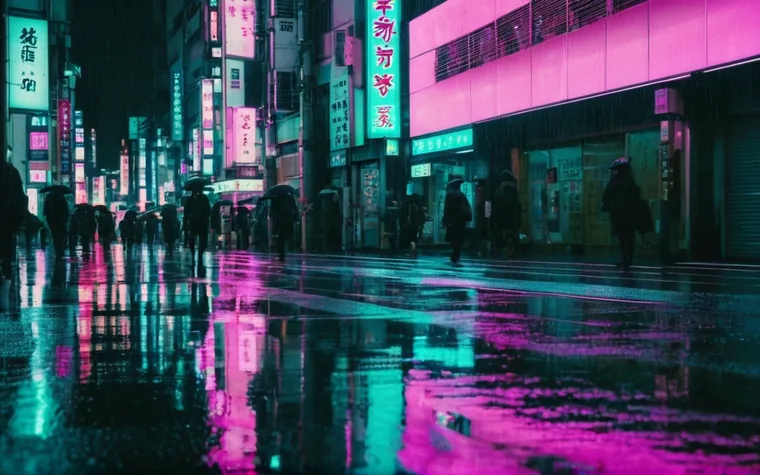 Neon Nights
Cyberpunk teal/magenta, beat-driven cuts, glitch and flash.
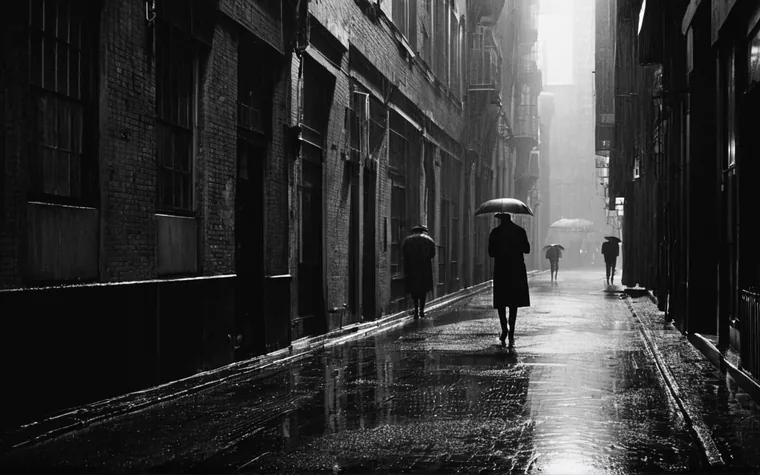 Noir Drama
Stark black-and-white, slow and dramatic, scope letterbox.
 Pop Vibrant
Bright, saturated, punchy — made to pop in the feed.
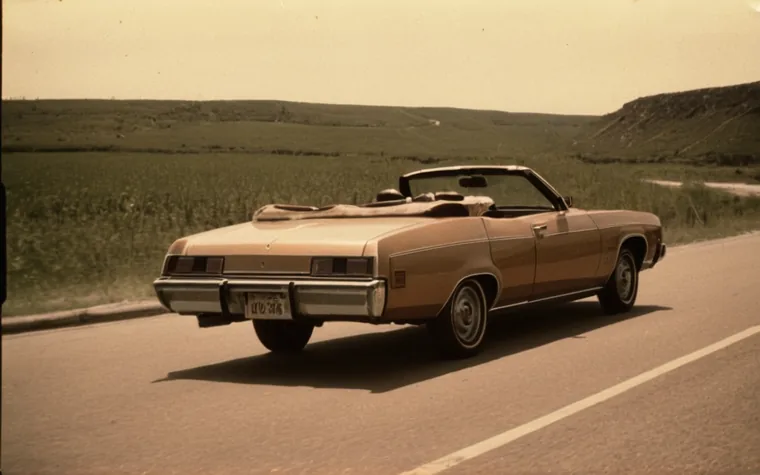 Vintage Super 8
Warm sepia, heavy grain, glitchy splices — home-movie nostalgia.
Every look, photos and video, beat-synced editing, and clean exports with no watermark — free. Optional AI workflows use credits for the compute they consume. There is no subscription required to use the core editor.
Make a reel entirely on your phone — nothing uploaded, no account, fully offline. AI photo, video, music and meeting workflows send only what you explicitly choose; we do not sell it or train models on it. Two ways to work — always your call.